Let your clips talk.
Even when you can't.
Need a break? Clipify got you covered. Auto-play clips while you are away - keep your stream alive and your viewers entertained.

We're launched!
50% OFF your first year.
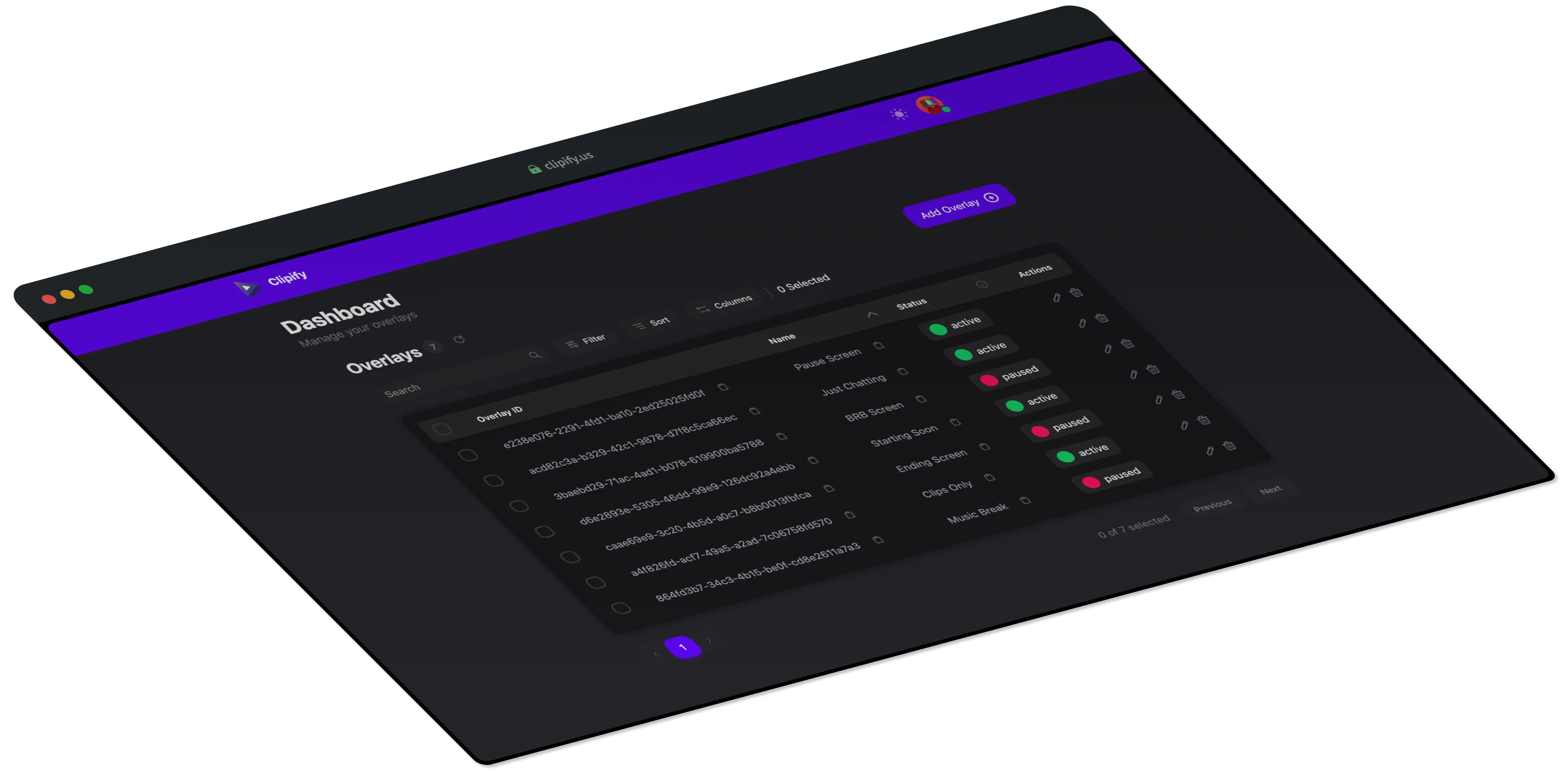
Clipify automatically plays your best Twitch clips to keep your channel active and your viewers engaged-even when you're away.
Intuitive interface designed for effortless setup and management.
It's as easy as adding a browser source to your streaming software.
Auto-play clips to keep your audience engaged even when you're away.
Build reusable clip playlists, reorder them manually, or auto-import highlights with filters for dates, creators, categories, and views.
Switch between Random, Top, and Smart Shuffle playback, plus advanced creator and category filters with Pro.
Create as many overlays as you like, use them for AFK screens, at the starting or end screens of your stream, or anywhere you want.
Let viewers trigger clip playback with Twitch channel points and keep chat engaged during breaks.
Open a dedicated live controller to pause, skip, mute, manage queues, and monitor overlay playback from a phone or second screen.
Build your own overlay look with drag-and-drop cards, custom colors/fonts/effects, timer, and progress bar styling.
Give trusted teammates access to manage overlays and playlists without sharing your full account credentials.
Control playback, queue and volume directly from Twitch chat while live.
Drag, resize, and nudge overlay cards with keyboard controls for clean stream scenes.
Just two options: free forever, or unlock everything with Pro.
Perfect for getting started and keeping your stream active.
Free
Save 2 months with yearly billing
Unlimited clips
One overlay
One playlist (up to 50 clips)
Playlist overlay type
Manual playlist curation
Plug & Play setup
Random playback mode
Basic clip filtering
Keeps your stream entertained
Basic clip player for embedding in websites
Unlock advanced features for professional streamers.
10 EUR/per year
Save 2 months with yearly billing
Everything in Free
Multiple overlays
Unlimited playlists and playlist clips
Auto import playlists with advanced filters
Append or replace behavior on playlist import
Channel points integration
Control your overlay via chat
Remote control panel for live playback control
Add editors and managers to help run your overlays
Advanced clip filtering
Additional playback modes: Top and Smart Shuffle
Theme Studio
Advanced clip player for embedding in websites
Priority support
Access to beta and upcoming features
Support an independent developer
Try our live demo to preview how clips play and how overlays behave on your stream.
Find answers to the most common questions about Clipify.